D365 Supply Chain, End to End: A Free 14-Part Course with Real Screens and AI
A free, screenshot-by-screenshot course on Dynamics 365 F&O supply chain: 14 processes, one running example, real errors and verified AI features.
A free, screenshot-by-screenshot course on Dynamics 365 Finance and Operations supply chain, written for freshers, working professionals, customers and functional and technical consultants.
Every Dynamics 365 Supply Chain Management (SCM) tutorial I find seems to fall into one of two buckets. Either it's a one-page "click here, then here", or it's a 40-page Microsoft Learn deep dive that assumes you already know what you're looking at.
I wanted something in between. So I opened a standard Microsoft demo environment, used the Contoso demo company USMF, and ran the whole supply chain myself: buying, receiving, paying, selling, shipping, returning, counting, warehousing, planning and manufacturing. I screenshotted every step, including the errors.
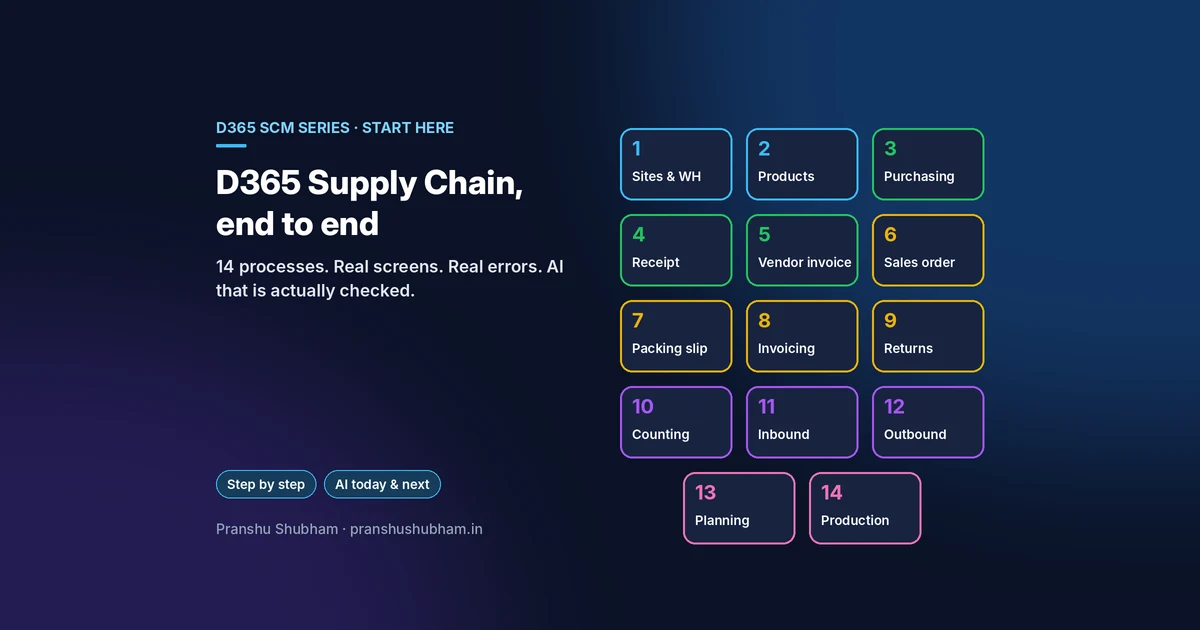
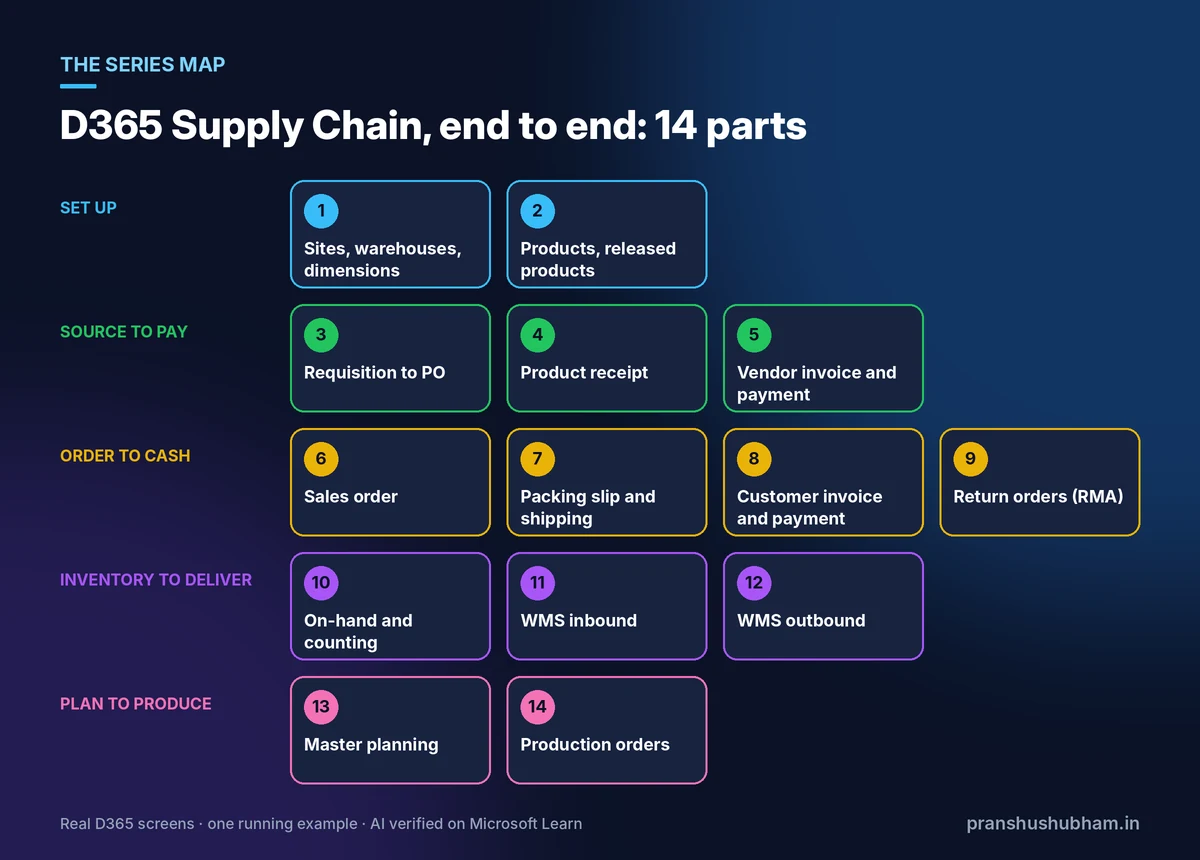
This page is the map. The 14 articles below follow one business, one item and one set of documents from start to finish.
Why this series is different
- Real screens, not stock images. Every screenshot comes from a live D365 demo environment, with numbered callouts on the bits that matter.
- One running example. The same vendor (US-104 Fabrikam Supplier), the same item (M0004 Crossover), the same customer (US-001 Contoso Retail San Diego) and the same documents run through the whole series, so you can see how one document feeds the next.
- Five layers in every article. Read only the layer you need, or all of them.
- The errors are left in. I hit a missing location, a missing check number, unfinished route jobs and a planning service timeout. Each one is explained, because that's where people really get stuck.
- AI that's actually checked. Every Copilot or agent feature is verified on Microsoft Learn and labelled as Available, Preview or Announced. No hype.
How each article is built
- The story for freshers and customers. The process in plain English, plus a one-picture flow.
- Step by step in D365 for end users and functional consultants. Navigation paths, key fields and annotated screenshots.
- Behind the scenes for working professionals. Inventory statuses, postings, parameters and common mistakes.
- Under the hood for technical consultants. Main tables, data entities and extension points.
- AI today and next for everyone. What Copilot and agents can do in this process now, and what's in preview.
Every article ends with UAT test scenarios you can reuse, a short FAQ and Microsoft Learn sources.
The series
Set up the foundation
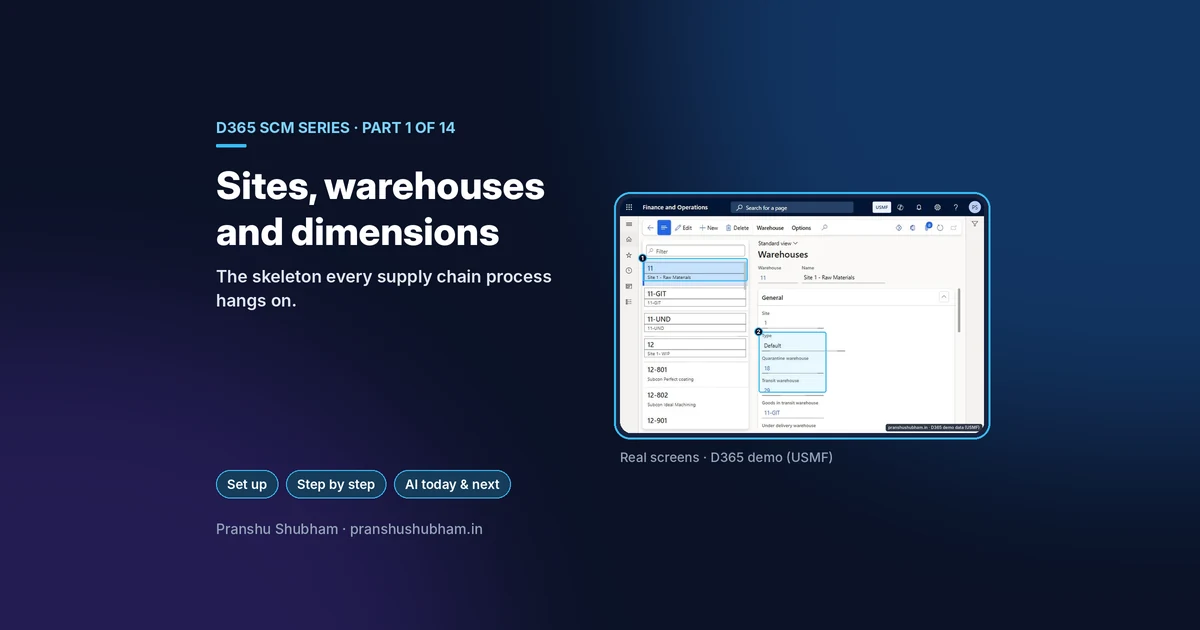
- Part 1: Sites, warehouses and inventory dimensions: the skeleton everything else hangs on.
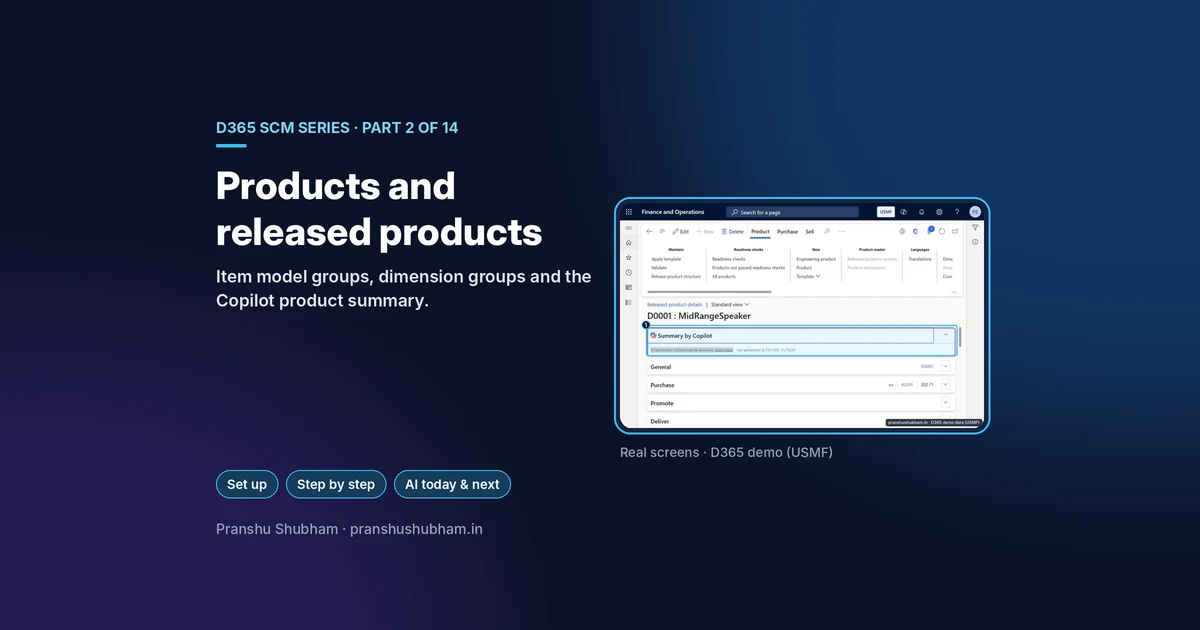
- Part 2: Products and released products: item model groups, dimension groups and the new Copilot product summary.
Source to pay
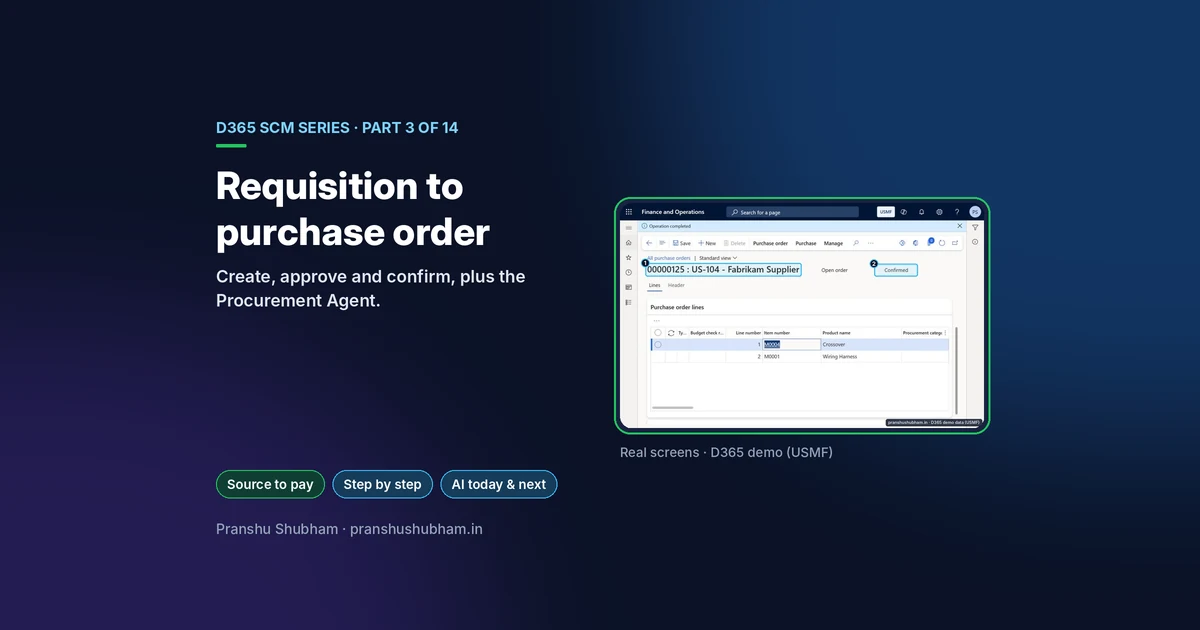
- Part 3: Purchase requisition to purchase order: create, approve and confirm a PO.
- Part 4: Product receipt: what happens to inventory when goods arrive.
- Part 5: Vendor invoice, three-way match and vendor payment: including a real cash discount and a real posting error.
Order to cash
- Part 6: Sales order entry and confirmation
- Part 7: Picking, packing slip and shipping
- Part 8: Customer invoice and customer payment: plus the $0 invoice lesson.
- Part 9: Return orders (RMA)
Inventory to deliver
- Part 10: Inventory control: on-hand and counting
- Part 11: Warehouse inbound: receiving and put-away
- Part 12: Warehouse outbound: waves, work and loads
Plan to produce
- Part 13: Master planning with Planning Optimization
- Part 14: Production order lifecycle: create to end, including the route-job error.
Glossary to keep handy. Legal entity: a company in D365 (here, USMF). Released product: a product made available to one legal entity. Inventory dimension: a field that tracks where stock is (site, warehouse, location) or what it is (batch, serial). Posting: the moment a document updates inventory and the ledger. Voucher: the accounting record that posting creates.
A note on the AI parts
Copilot features in D365 are changing every release. When I wrote this series (November 2026, on a 10.0.4x sandbox), these were the ones that really matter for supply chain:
- AI summaries with Copilot on released products, purchase orders, sales orders and vendors. Available.
- Workload insights with Copilot in the Warehouse Management mobile app. Available.
- Analyze demand plans with Copilot in Demand planning. Available.
- Procurement Agent: supplier communications and impact analysis. Production-ready preview.
- Immersive Home with agent activity. Production-ready preview.
Each article explains the ones that fit that process, with prerequisites and links. If you want the bigger picture on agents in ERP, read my two FastTrack posts: AI agents in Dynamics 365 and 9 free ERP agent templates.
Ground rules I followed
- Only a Microsoft demo environment with standard Contoso data. No customer systems, no customer data.
- Every transaction was created in the USMF demo company only.
- Every AI claim links to Microsoft Learn. Where something is my opinion, I say so.
Start with Part 1, or jump straight to the process you're working on this week. If something doesn't match your system, tell me. Versions differ, and I'll update the article.
Sources
- Business process catalog and end-to-end scenarios (Microsoft Learn)
- Agents, Copilot and AI capabilities in Dynamics 365 apps (Microsoft Learn)
- AI summaries with Copilot (Microsoft Learn)
Have a question about this process, or seeing something different in your version? Get in touch. I read every message.