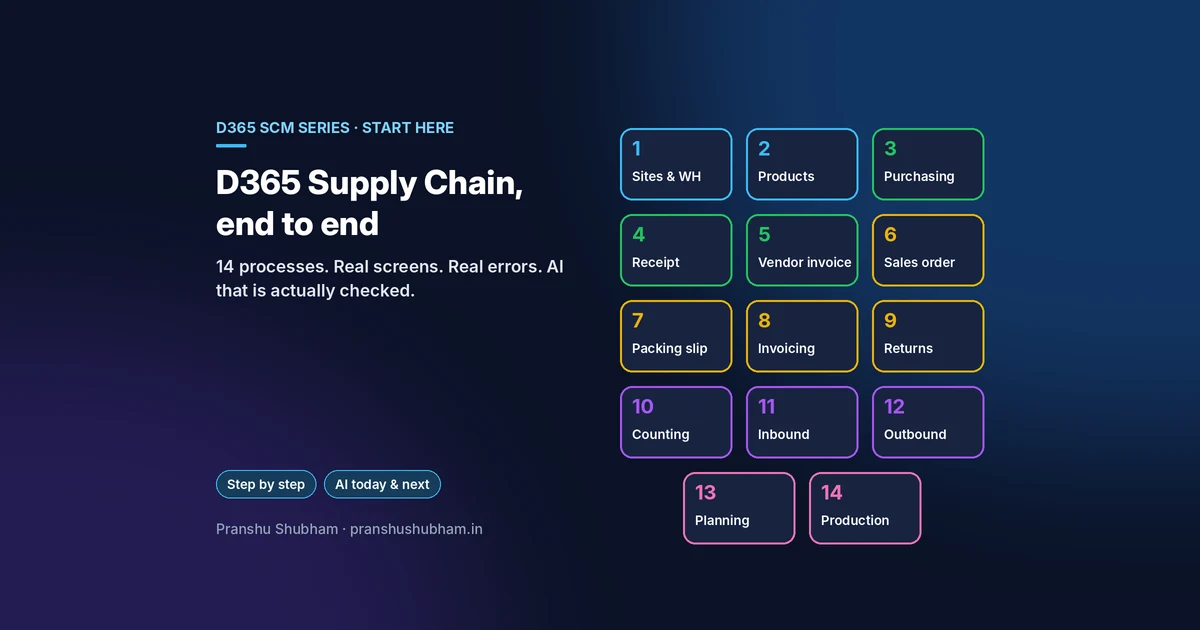
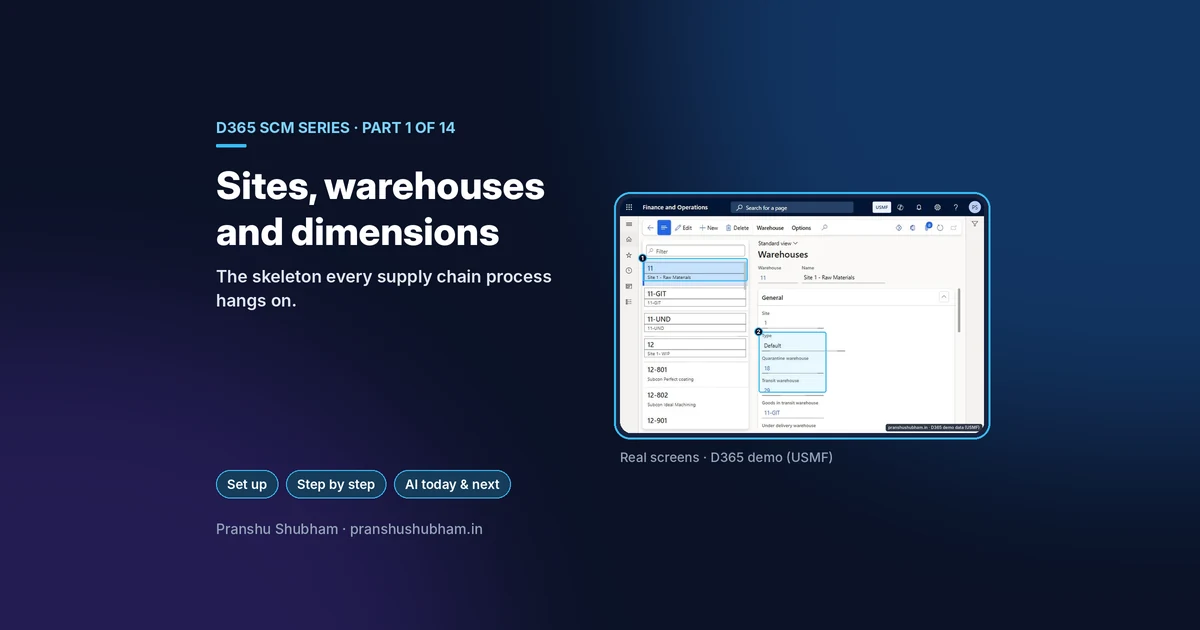
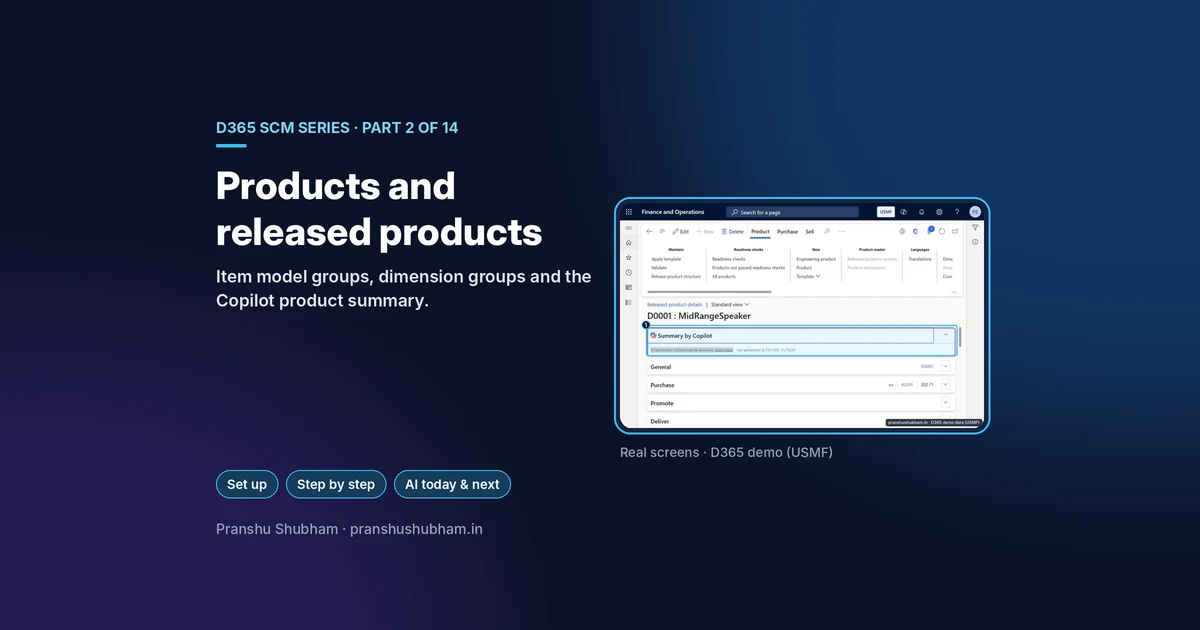
D365 Customer Invoice and Customer Payment, and the $0 Invoice Lesson
Bill the customer and collect the cash in D365, plus the most useful mistake in the series: an invoice that posted for zero.
Part 8 of 14 in my free course D365 Supply Chain, end to end. All screenshots come from a Microsoft demo environment with standard Contoso data (company USMF). New here? Start with the series home.
The goods from Part 7 have left the warehouse. Now we bill the customer and, eventually, collect the cash. This part covers the customer invoice and the customer payment journal, and it includes the most useful mistake in the whole series: an invoice that posted for zero.
Running example: sales order 000860, customer US-001 Contoso Retail San Diego, invoice CIV-00000716, then a customer payment of 321.75 USD settled against an open demo invoice.
1. The story
Who this section is for: Freshers, customers and anyone new to D365
Once goods ship, the business sends an invoice. The customer now owes the money, and it shows in accounts receivable (AR) as an open item. When the customer pays, AR records the payment and settles it against the invoice, so the invoice is closed and the cash shows in the bank.
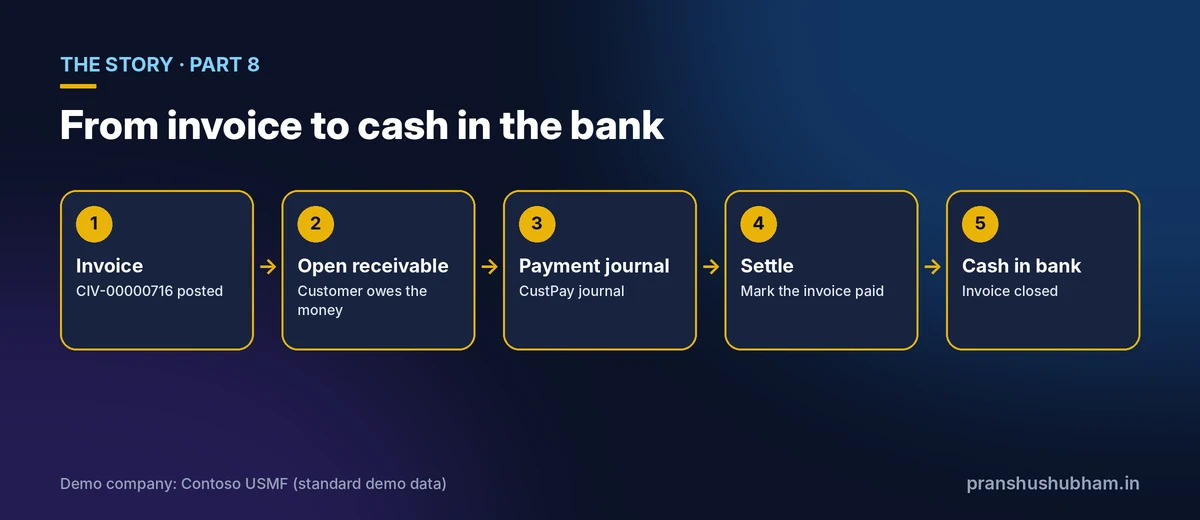
Glossary. Customer invoice: the bill. Accounts receivable (AR): money customers owe you. Open transaction: an invoice not yet fully paid. Settlement: linking a payment to the invoice it pays.
2. Step by step in D365
Who this section is for: End users and functional consultants
Step 1: Open the Invoice tab
Open sales order 000860. On the Invoice tab, under Generate, select Invoice.
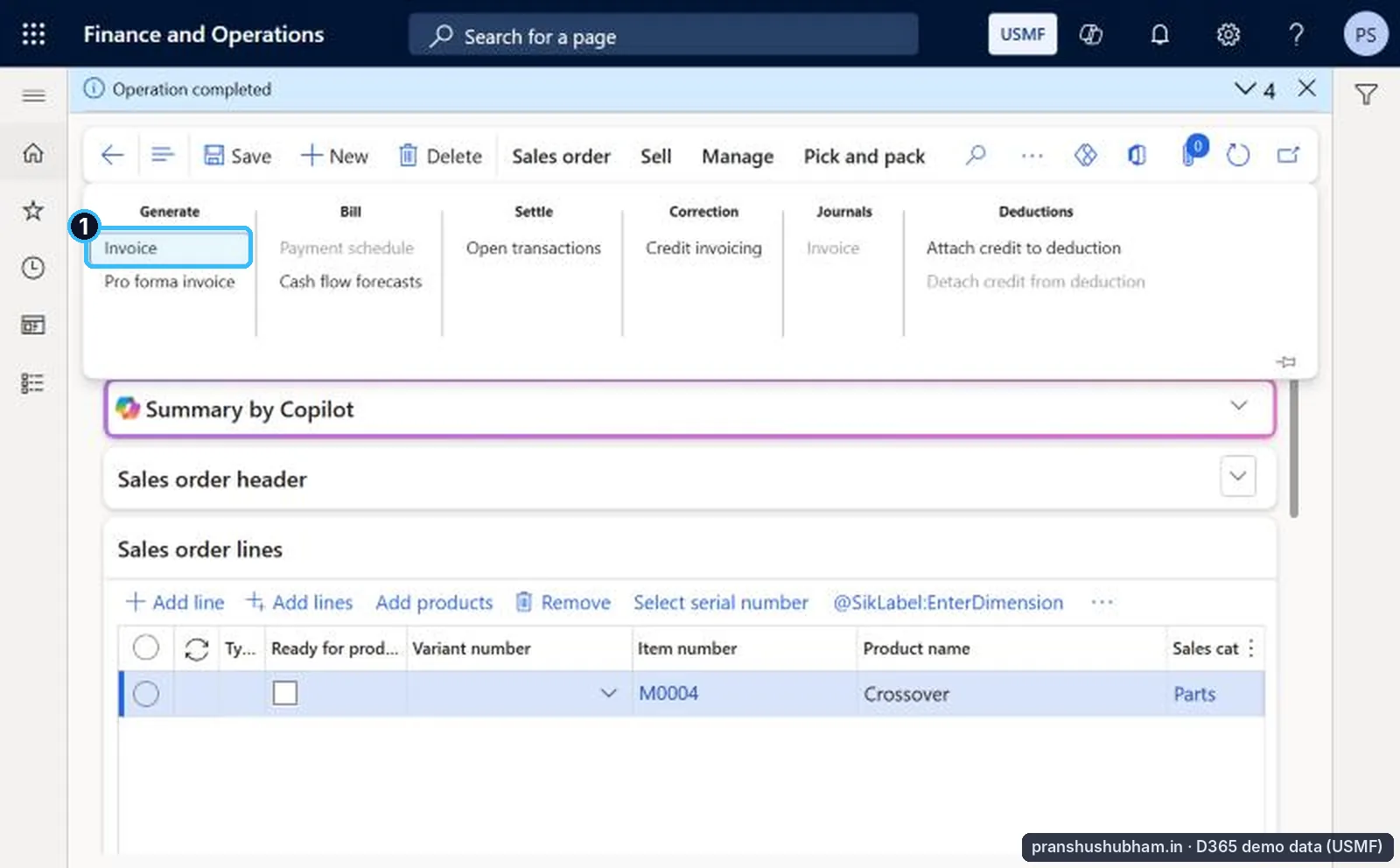
(1) Invoice under Generate.
Step 2: Post the invoice
In the Posting invoice dialog, set Quantity to Packing slip. That invoices exactly what was shipped in Part 7, which is usually what you want. Then select OK.
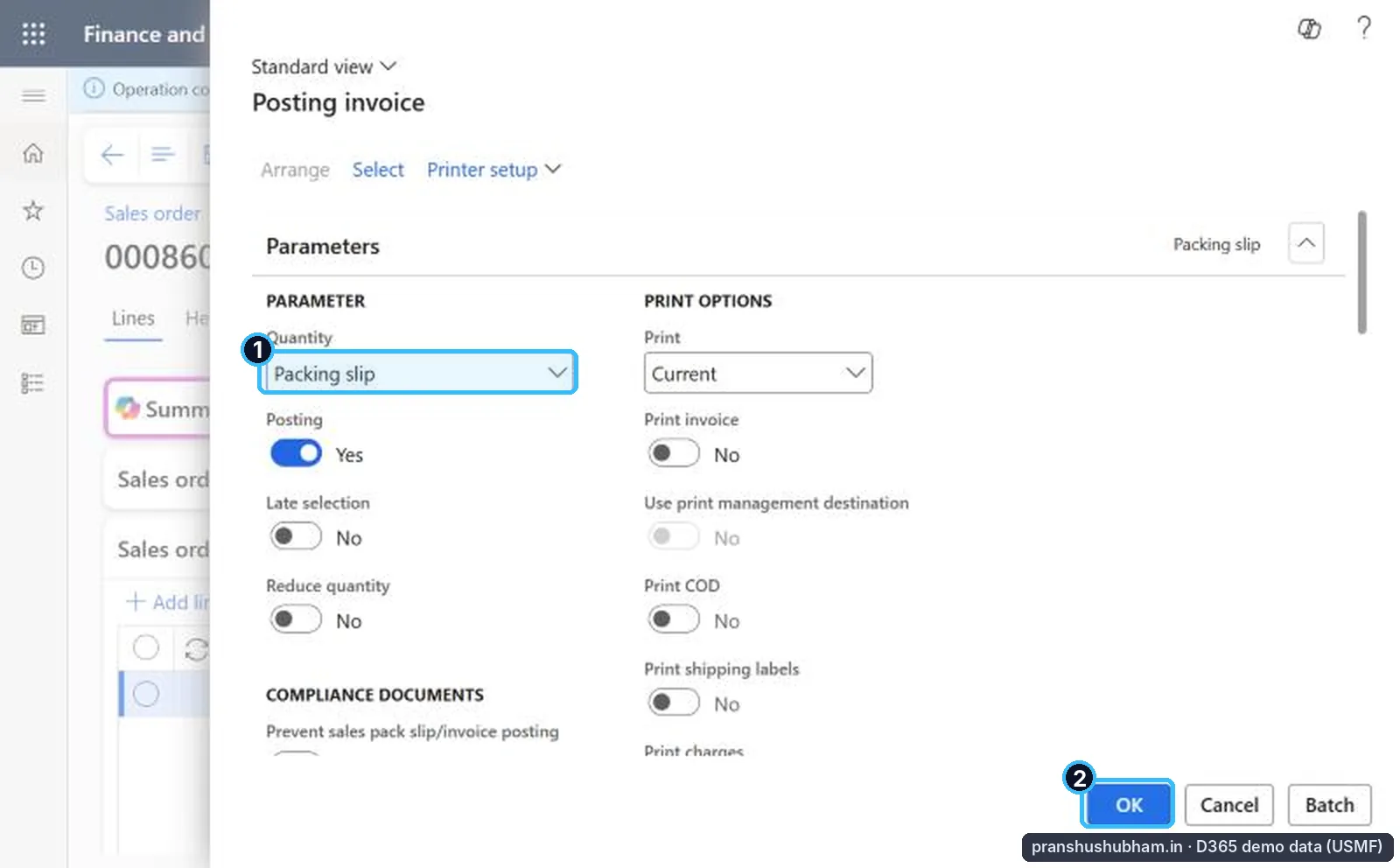
(1) Quantity: Packing slip invoices what was shipped. (2) OK posts the invoice.
Step 3: Check the result
The sales order status changes to Invoiced, and invoice CIV-00000716 is created.
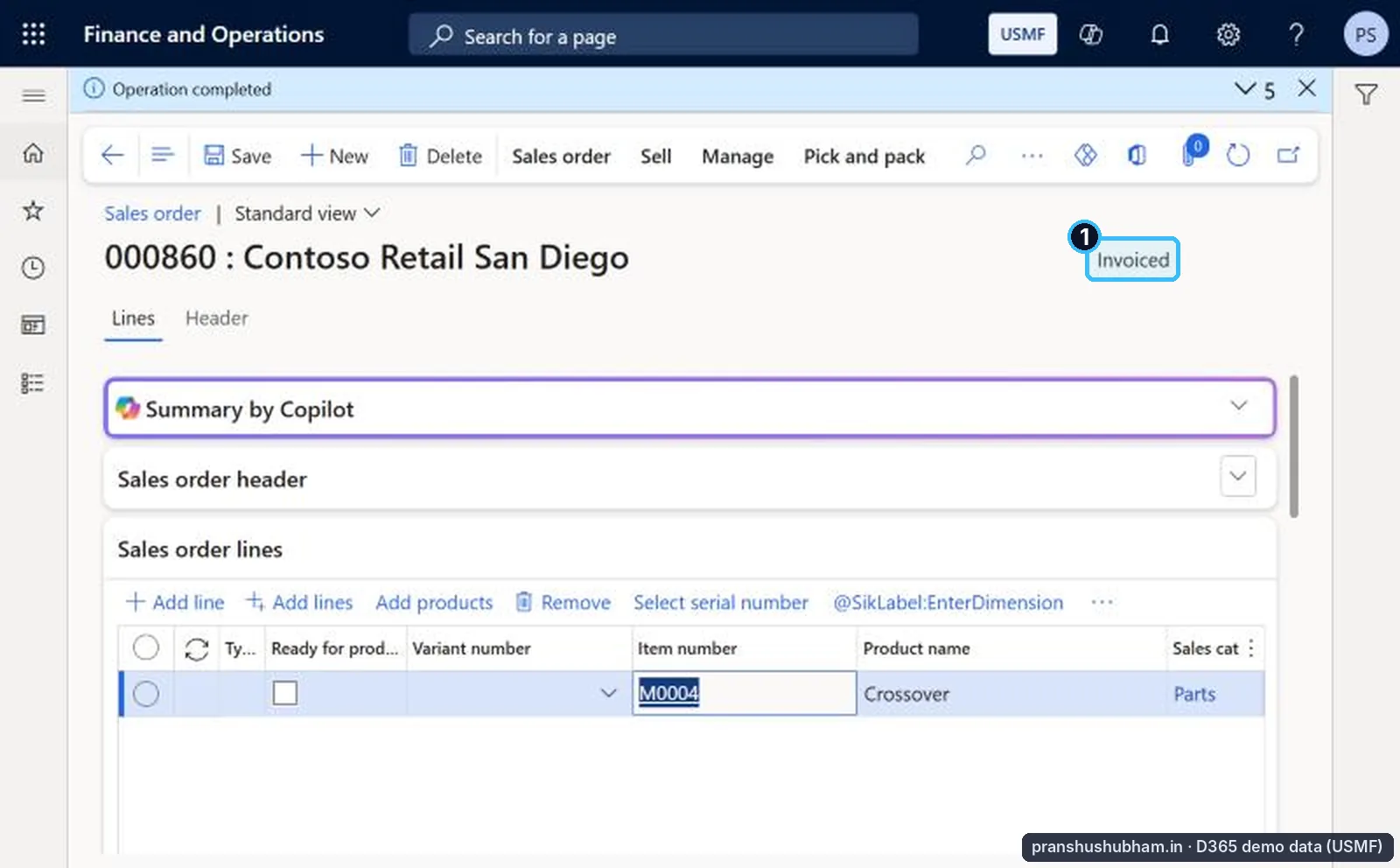
(1) Status Invoiced.
The $0 invoice lesson
When I went to collect the payment for CIV-00000716, it wasn't in the customer's open transactions. I checked through OData: the invoice total was 0.00. Invoiced quantity 5, price 0.
Why? Item M0004 has no sales price and no trade agreement in the USMF demo data, so the order line in Part 6 came in at zero, and D365 happily confirmed, shipped and invoiced it.
This isn't a D365 bug. It's a setup gap, and an easy one to miss. How to prevent it:
- Maintain base sales prices or trade agreements for every saleable item.
- Turn on price validation or a policy that blocks zero-price lines.
- Add a UAT test: "invoice an item without a price" and agree what should happen.
- Watch the sales order summary: an order with a zero total is an easy thing to spot before shipping.
Step 4: Create a customer payment journal
Go to Accounts receivable > Payments > Customer payment journal. Select New, choose journal name CustPay, then Lines. Enter account US-001. The offset bank account (USMF OPER) and method of payment default from setup.
Step 5: Settle the payment
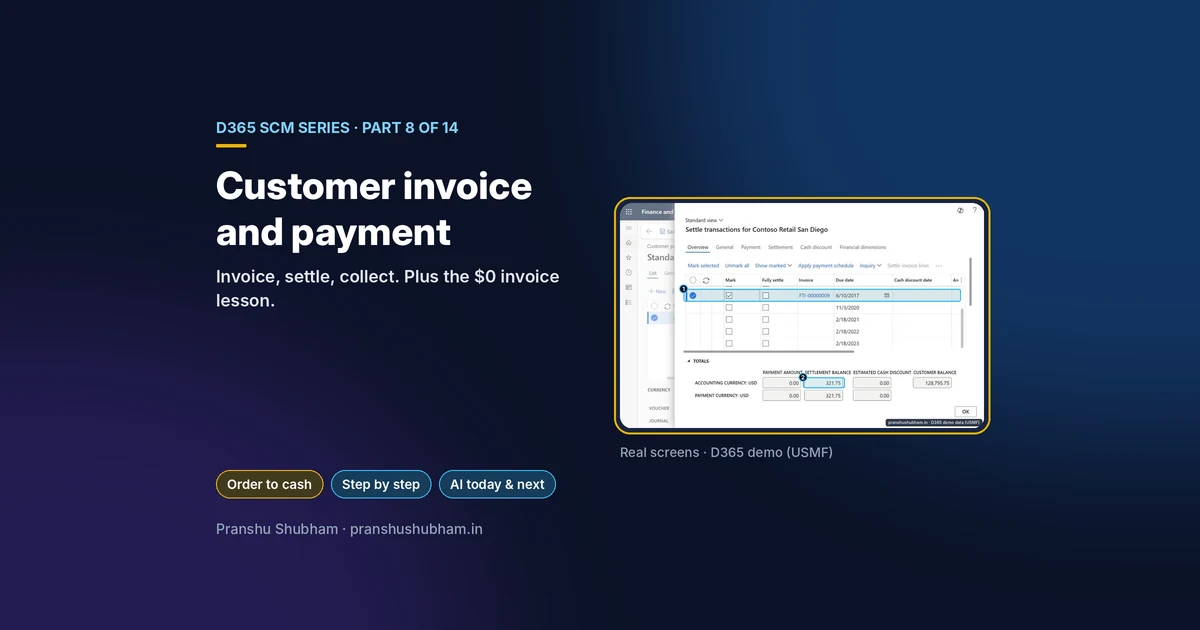
Select Settle transactions and Mark the invoice the customer is paying. Because my own invoice was zero, I settled an existing open demo invoice, FTI-00000009 (a free text invoice). The settlement balance shows 321.75.
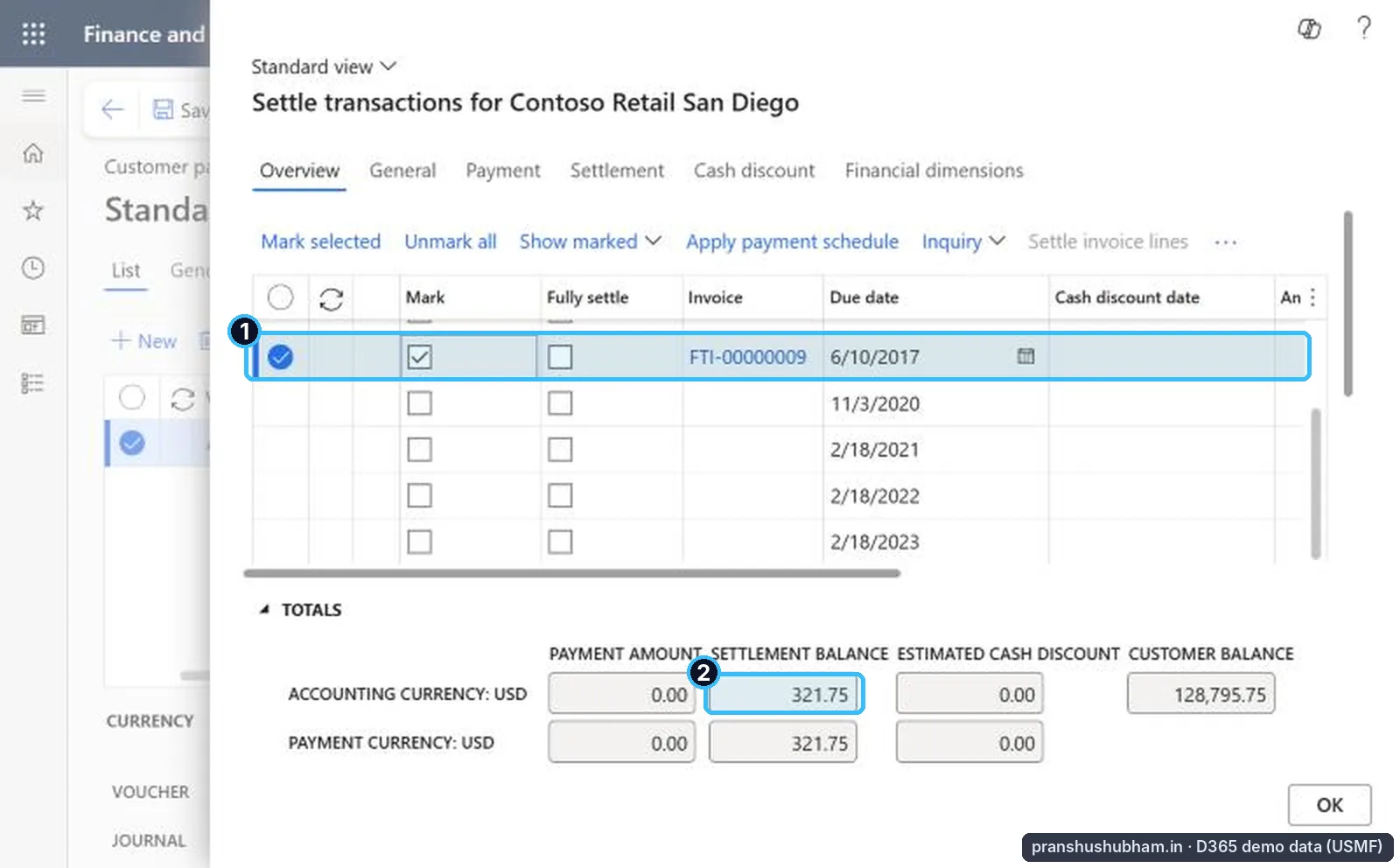
(1) FTI-00000009 marked for settlement. (2) Settlement balance 321.75.
Select OK. The journal line now has a credit of 321.75 and the journal balances.
Step 6: Post the payment
Select Post. Result: "Number of vouchers posted to the journal: 1".
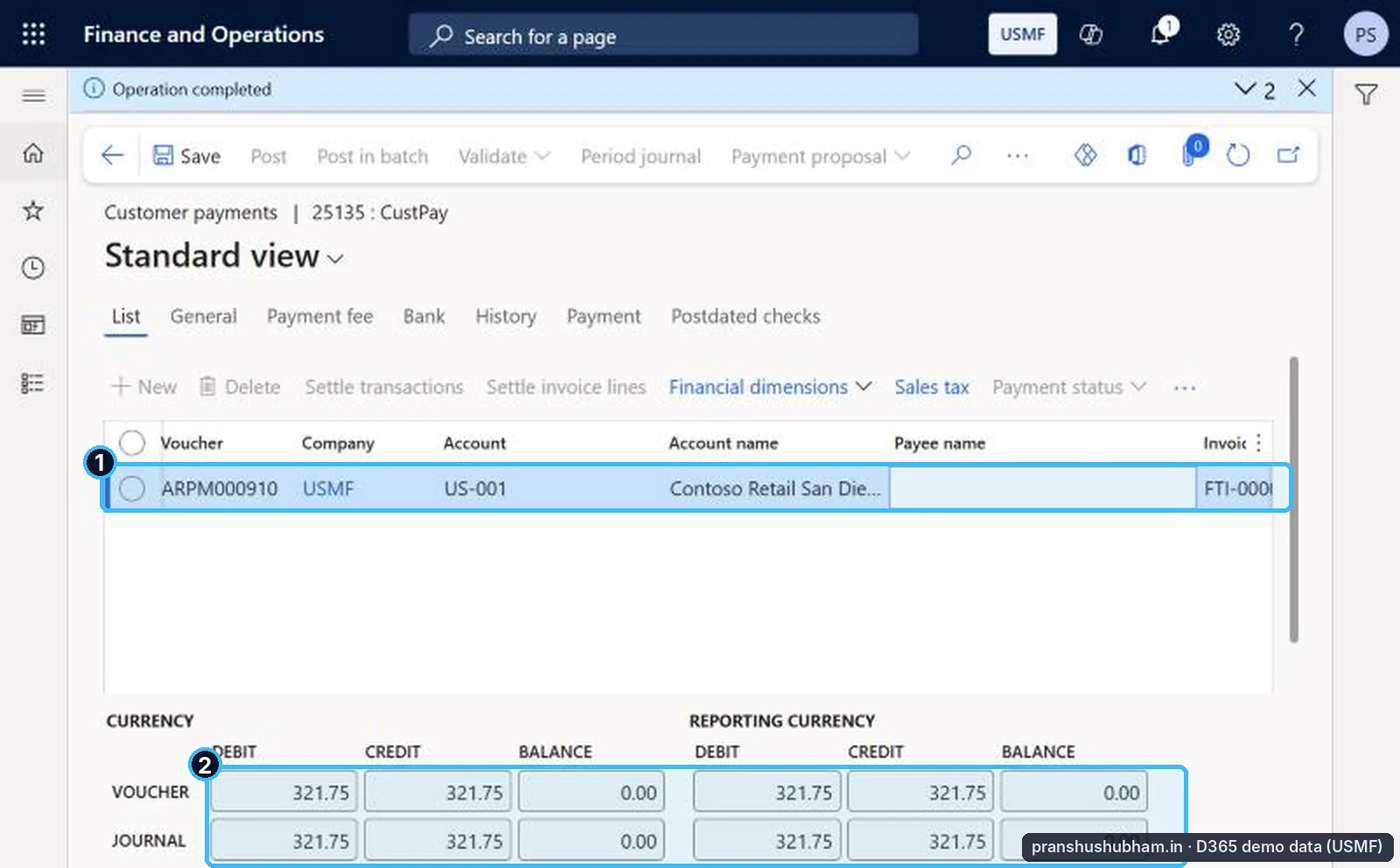
(1) The payment line for US-001. (2) Voucher and journal totals balance at 321.75.
The invoice is now closed in the customer's transactions, and the bank account shows the receipt.
3. Behind the scenes
Who this section is for: Working professionals and functional consultants
- What the invoice posts: revenue credit, customer balance debit, sales tax, and the cost of goods sold against inventory. Any packing slip physical entries are reversed. Inventory status becomes Sold.
- Invoice by packing slip vs ordered quantity: "Packing slip" invoices shipped quantities; "All" invoices the whole order and can post a packing slip at the same time.
- Summary update can combine several orders or packing slips into one invoice per customer.
- Customer payment methods in USMF (CHECK, CASH, ELECTRONIC, REFUND) don't require a check number, unlike vendor checks. Postdated checks (PDC) do.
- Settlement priority and automatic settlement parameters decide whether payments settle automatically by date, by due date or manually.
Common mistakes and fixes:
- Zero or wrong invoice amount. Price setup. Fix trade agreements and add price validation.
- Payment posted but invoice still open. Not settled. Use Settle open transactions on the customer.
- Cash discount taken late. Check settlement date vs the cash discount date, and the "cash discount tolerance" parameters.
4. Under the hood
Who this section is for: Technical consultants
- Invoices: CustInvoiceJour (header), CustInvoiceTrans (lines), CustTrans and CustTransOpen (customer balance and open items).
- Payments and settlement: LedgerJournalTable / LedgerJournalTrans, CustSettlement, SpecTrans.
- Data entities: Sales invoice headers V2 and Sales invoice lines. I used
/data/SalesInvoiceHeadersV2to find the invoice for order 000860 and/data/SalesInvoiceLinesto see the quantity. Customer payment journal entities import bank or lockbox payments. - Extensions: SalesFormLetter_Invoice for invoice posting; Electronic reporting for e-invoicing formats; business events for "invoice posted" style integrations, where available in your catalog.
5. AI in this process: today and next
Who this section is for: Everyone
Sales order summary with Copilot (Available). "Not fully invoiced" lines are grouped and filterable, so billing teams can see what's shipped but not billed.
Collections coordinator summary (Available, generally available since June 2024). In the Collections coordinator workspace, Copilot summarizes a customer's aging, payment history and credit status, and can draft collection emails.
Customer payment predictions (Available, Finance insights). A machine learning model predicts whether each open invoice will be paid on time, late or very late. It needs history: Microsoft Learn says at least 100 settled transactions from the past six to nine months, spread across the on-time, late and very-late buckets. Predictions can drive collections process automation.
My view (opinion): an "invoice sanity check" agent that flags zero-price or unusual invoices before posting would have caught my M0004 order. That's not a product feature today; it's a nice first agent to build.
UAT test scenarios
- Invoice a delivered order with Quantity Packing slip. Expected: order Invoiced; inventory Sold; customer balance increases.
- Invoice an item without a price. Expected: decide whether this must be blocked.
- Post a customer payment and settle it. Expected: invoice closed; bank receipt posted.
- Pay part of an invoice. Expected: remaining amount stays open.
FAQ
Why didn't my invoice appear in settlement? It might be fully paid already, on hold, or (like mine) zero.
What's a free text invoice? An invoice without a sales order, for services or one-off charges. FTI-00000009 in the demo is one.
Can payments settle automatically? Yes, with automatic settlement in Accounts receivable parameters.
Keep going in the series
- Series home: D365 Supply Chain, end to end
- Previous: Part 7: Picking, packing slip and shipping
- Next: Part 9: Return orders (RMA)
Sources
- Customer payment predictions (Microsoft Learn)
- Enable customer payment predictions (Microsoft Learn)
- Collections coordinator summary (Microsoft Learn)
- AI summaries with Copilot (Microsoft Learn)
Have a question about this process, or seeing something different in your version? Get in touch. I read every message.