How to Write a Functional Design Document (FDD) for Dynamics 365
A good FDD lets developers build without guesswork and testers test without asking. The structure, writing rules and review checklist I use after authoring 40+ FDDs on one Dynamics 365 program.
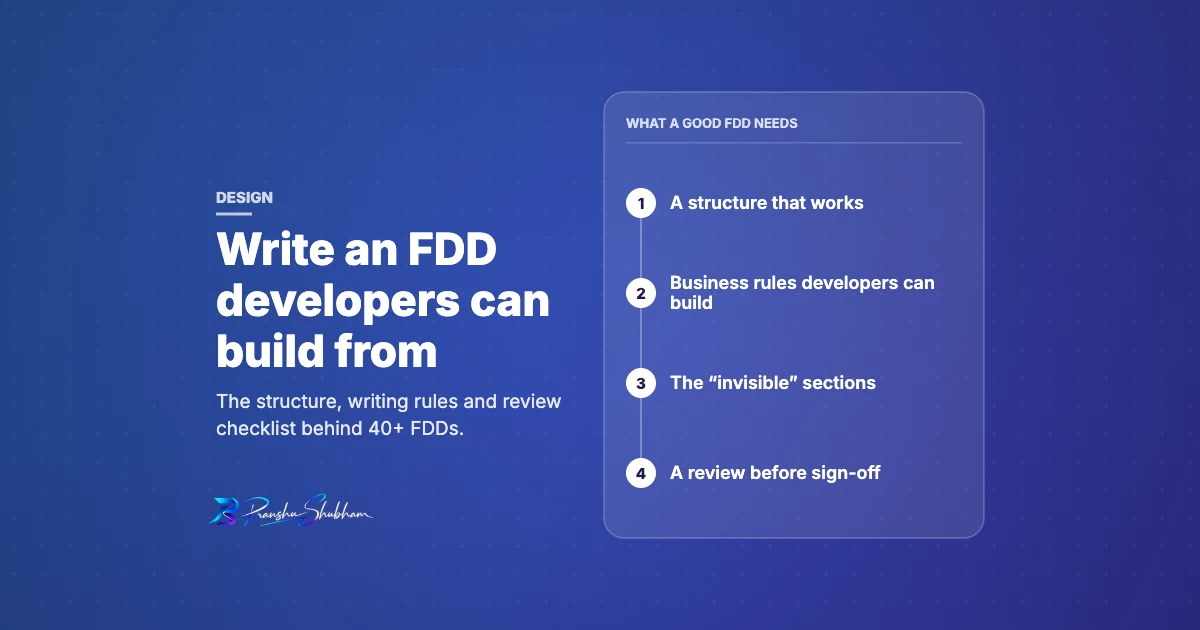
A functional design document (FDD) turns an approved gap into something a developer can build, a tester can test and a business owner can sign. On one multi-stream Dynamics 365 retail program, I authored more than 40 FDDs. The difference between a good FDD and a weak one showed up every time in build speed, defect counts and arguments at UAT.
Here is how to write one that works.
When you need an FDD
Write an FDD for every gap that needs an extension, integration, report or workflow beyond standard configuration. Pure configuration decisions belong in a configuration workbook, not an FDD. Keep one FDD per gap, or per small group of closely related gaps, and give it the same ID as the requirement in your traceability matrix.
A structure that works
- Document control: version, author, reviewers, approval status.
- Purpose and scope: what is in and, just as important, what is out.
- Business context: process reference, requirements covered, current pain points, personas.
- Solution overview: the approach in plain words, plus the standard options you considered and why you rejected them.
- Future-state process: a simple flow with the system steps marked.
- Business rules: numbered, each with an example.
- Detailed design: configuration, user interface, logic, data, reports, integrations, security, workflow, batch jobs, error handling.
- Non-functional needs: volumes, performance, audit.
- Test scenarios: the cases that prove it works, including negative cases.
- Open points and approvals.
Write business rules developers can build
Weak: "The system should check credit."
Strong: "BR-03: When a sales order is confirmed, if the customer's open balance plus the order value exceeds their credit limit, the order is placed on credit hold. Example: limit 10,000; open balance 8,000; order 3,000 → hold."
Number every rule, add an example, and cover the edge cases: zero values, negative quantities, missing data, currency differences.
Do not forget the "invisible" sections
Most FDD defects come from what was left out, not what was written:
- Security: which roles can see and run the new feature?
- Errors: what happens when an integration fails or data is missing? Who is alerted?
- Data: new fields, their types, defaults and where they come from.
- Volumes: a design that works for 50 records may fail at 50,000.
Mark sections that do not apply as "Not applicable" rather than deleting them. Reviewers can then see you considered them.
Review before sign-off
Hold a walkthrough with the business owner, solution architect and technical lead. Check:
- Every requirement in scope maps to a section of the design.
- Every business rule is testable.
- Standard alternatives were genuinely considered.
- Security, errors and data are covered.
- Test scenarios include negative cases.
After approval, put the FDD under change control. Any later change gets a new version and a new approval.
Frequently asked questions
How long should an FDD be? As long as the gap needs. A simple report might need a few pages; a complex integration may need many more. Clarity matters more than length.
Who writes the technical design? The technical team, using the approved FDD as input. The FDD says what and why; the technical design says how.
Should FDDs include screenshots? Mock-ups and process flows help a lot. Avoid screenshots of standard screens unless they clarify a change.
Templates to start with
Download the free Functional Design Document (FDD) Template for Dynamics 365 and the e-book Writing Functional Design Documents That Developers Love. The short video How to Write a Functional Design Document covers the essentials in two minutes.